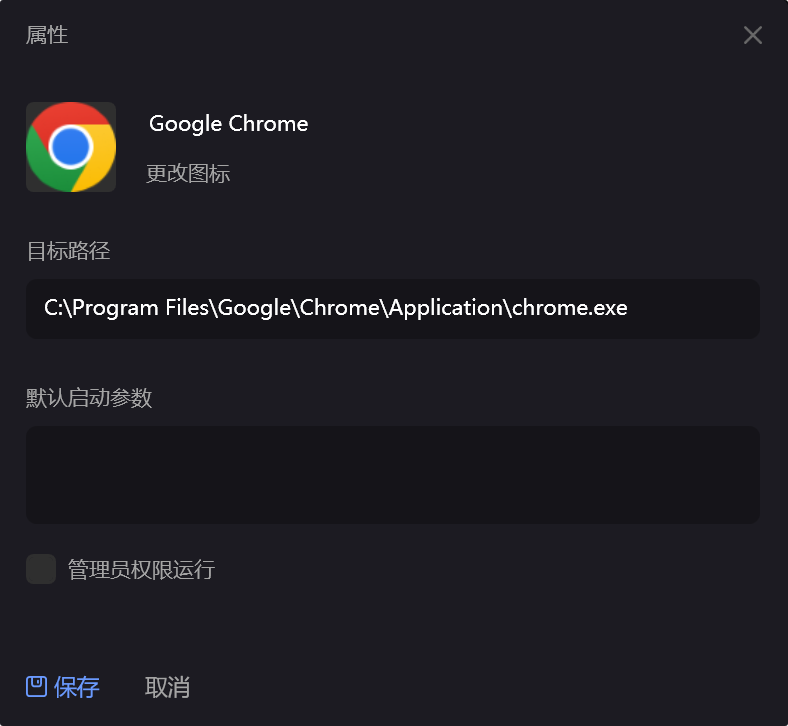
Change Item Icon
If you want to change an item's icon, you can follow these steps:
Select the item with the mouse -> right-click menu -> Properties
In the properties dialog that pops up, you can drag an image or software into the icon position to change the icon.