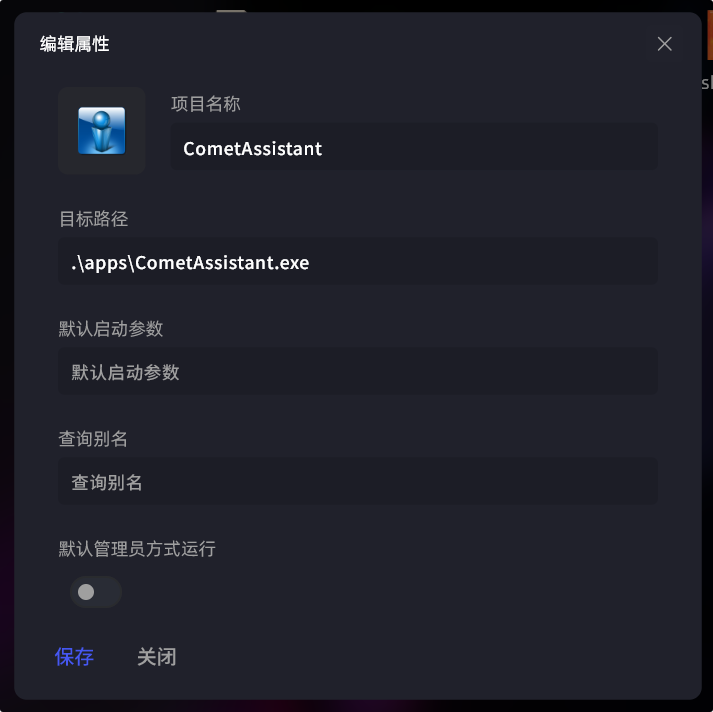
Relative Path
In PixStart's installation folder, create a new directory and name it whatever you like, for example "apps". Then copy some portable software into it and drag them into PixStart.
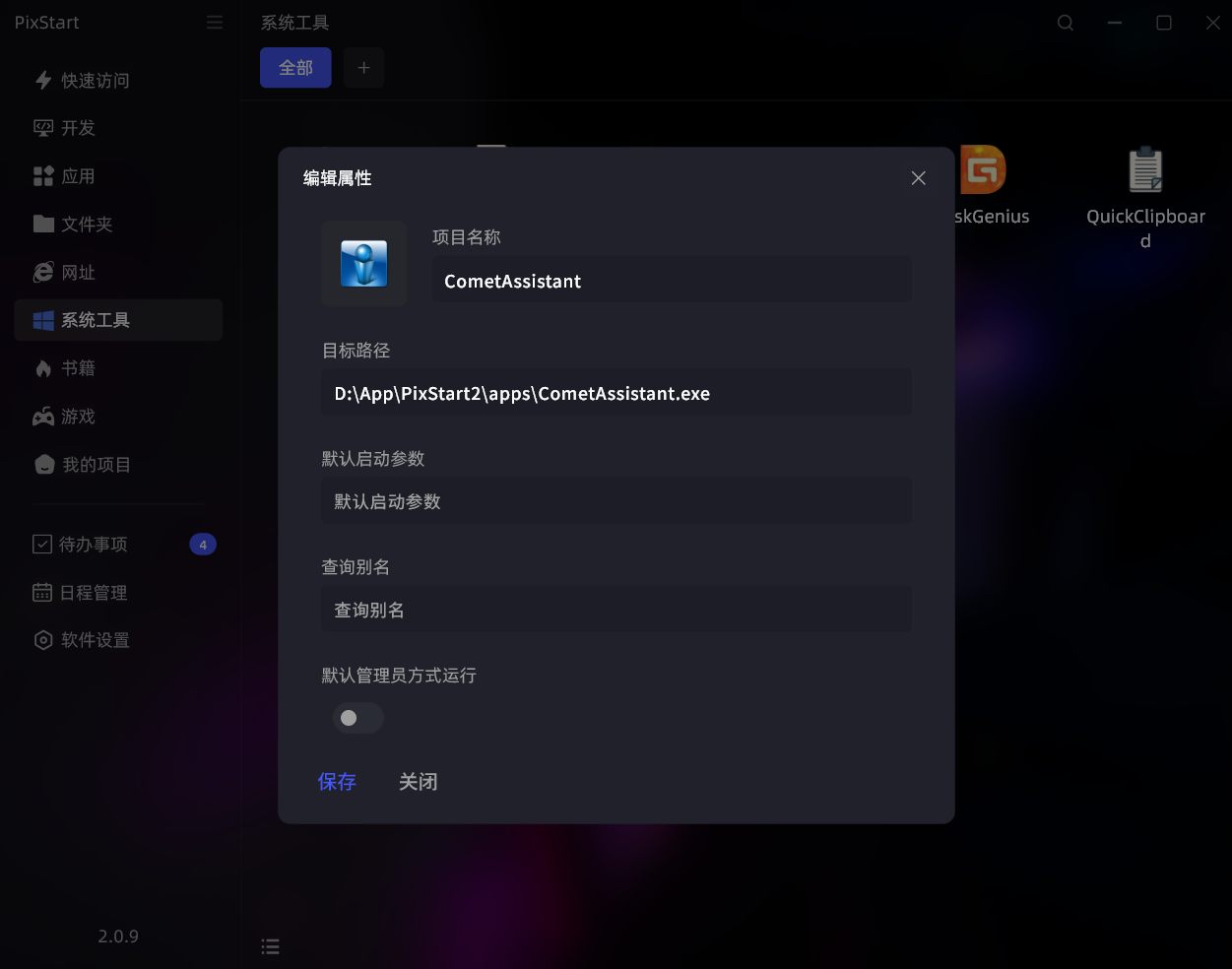
Then edit the item's properties and change the path at the front to a relative path, for example as follows.