List View
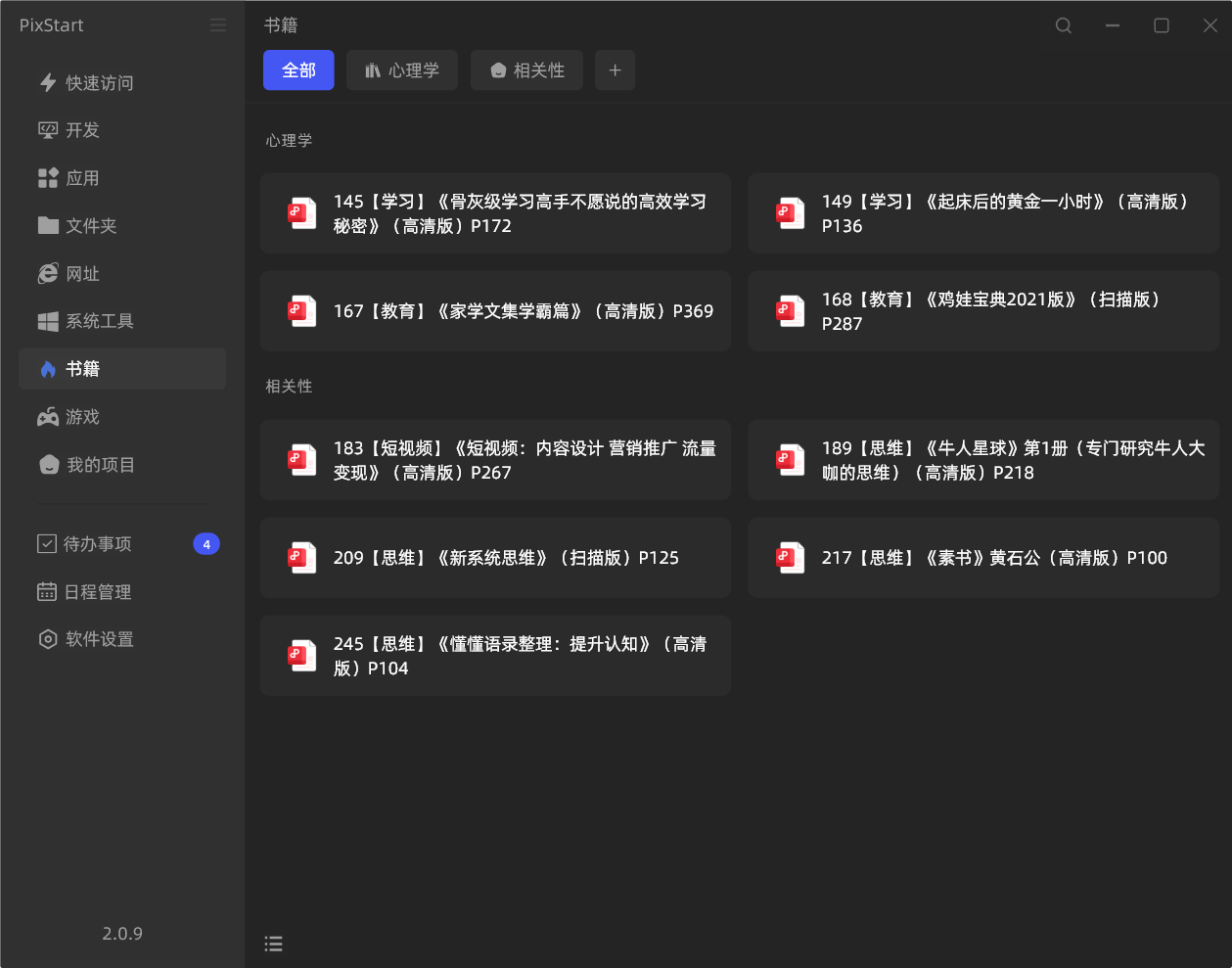
When we create a secondary category, the default is the App (grid) view mode. However, this view mode is not so friendly for document-type files, especially when file names are too long.
So for document-type files, it's recommended to change the menu's view mode to List, like this:
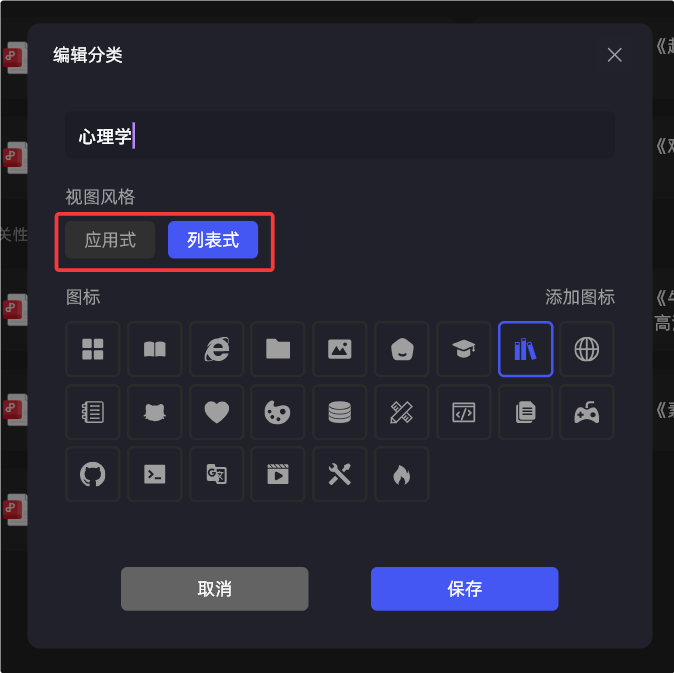
Right-click a secondary category to edit it, select View style, and you can change the view mode to List.