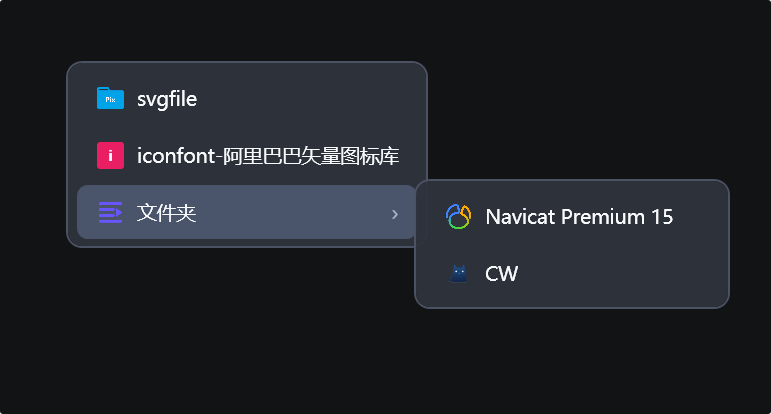
Environment Menu
To use the Environment Menu, first enable Hook mouse right-button long-press event in Software Settings, and select "Environment menu" as the trigger method.
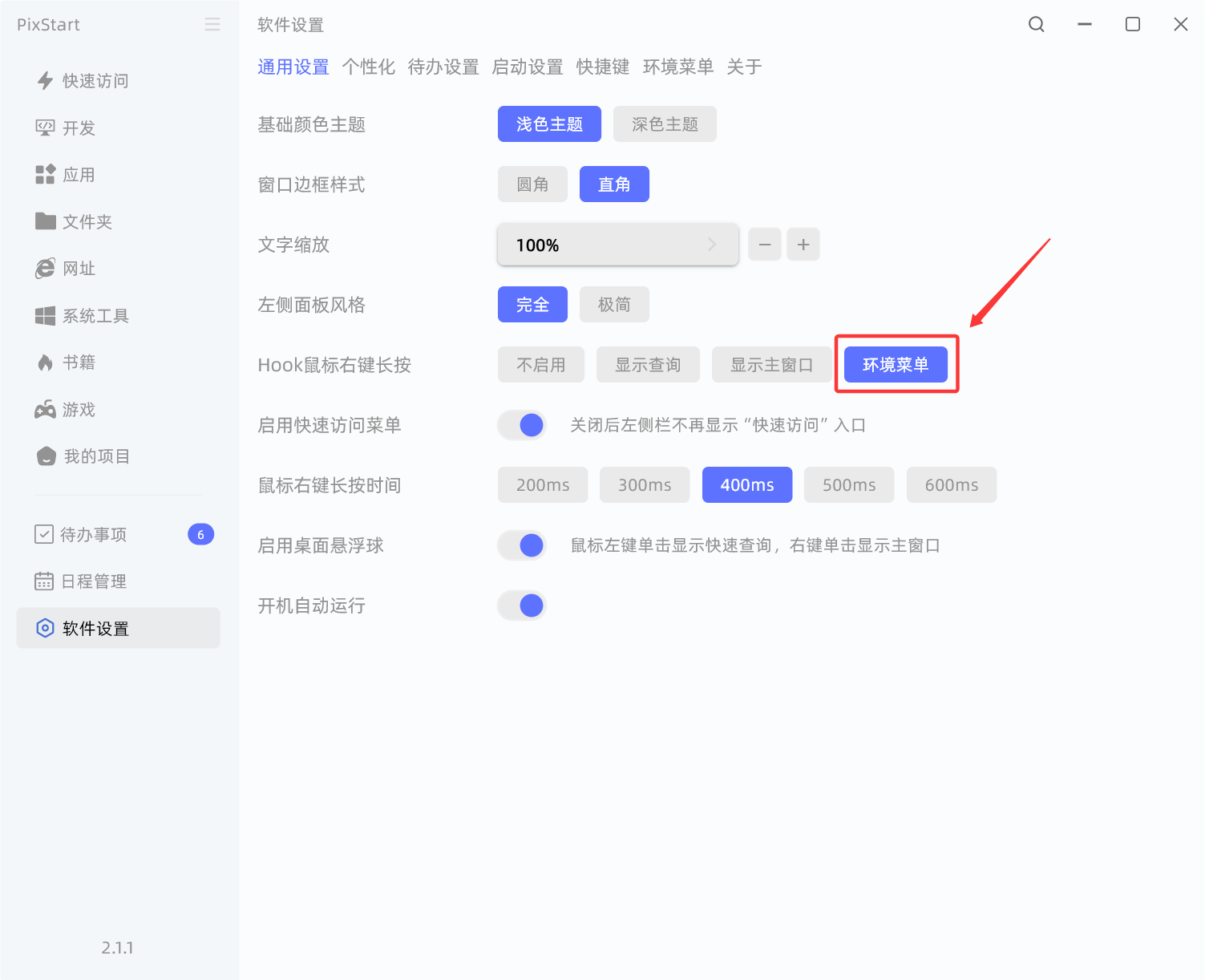
Configure environment
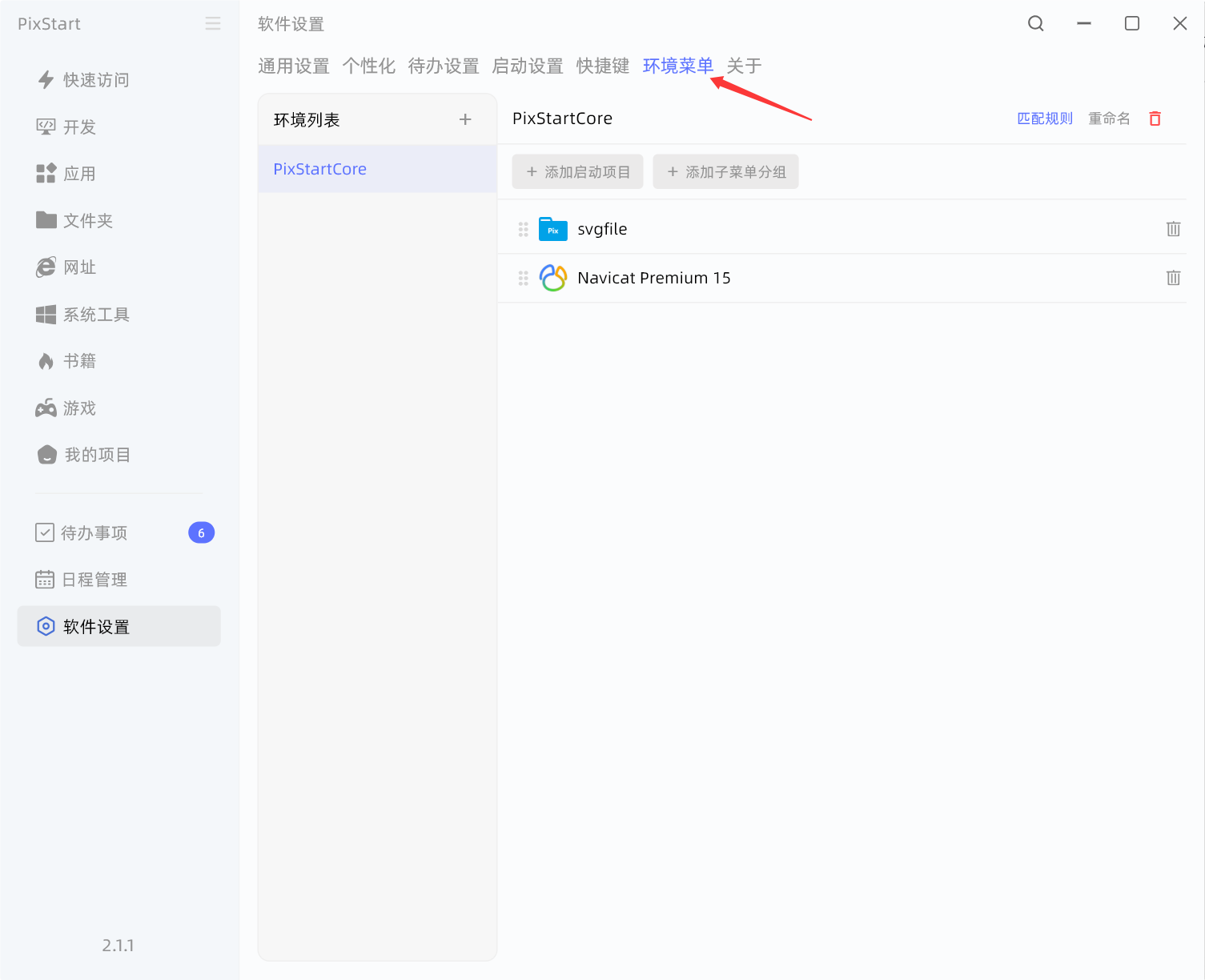
Create an environment. For example, if you're using VSCode to develop the PixStart project, when the environment menu is triggered, the title of the currently focused window will contain the keyword PixStart or similar.
This way PixStart can recognize that you're currently working in the VSCode/PixStart environment, and you can configure folders, apps, URLs and so on that are related to this environment.
Then long-press the right mouse button to directly pop up the menu related to the current environment, and just open things directly — very convenient.