
Quickly Create Items
First enable a shortcut key in the software's shortcut key settings to globally bring up the "create to-do" input box.
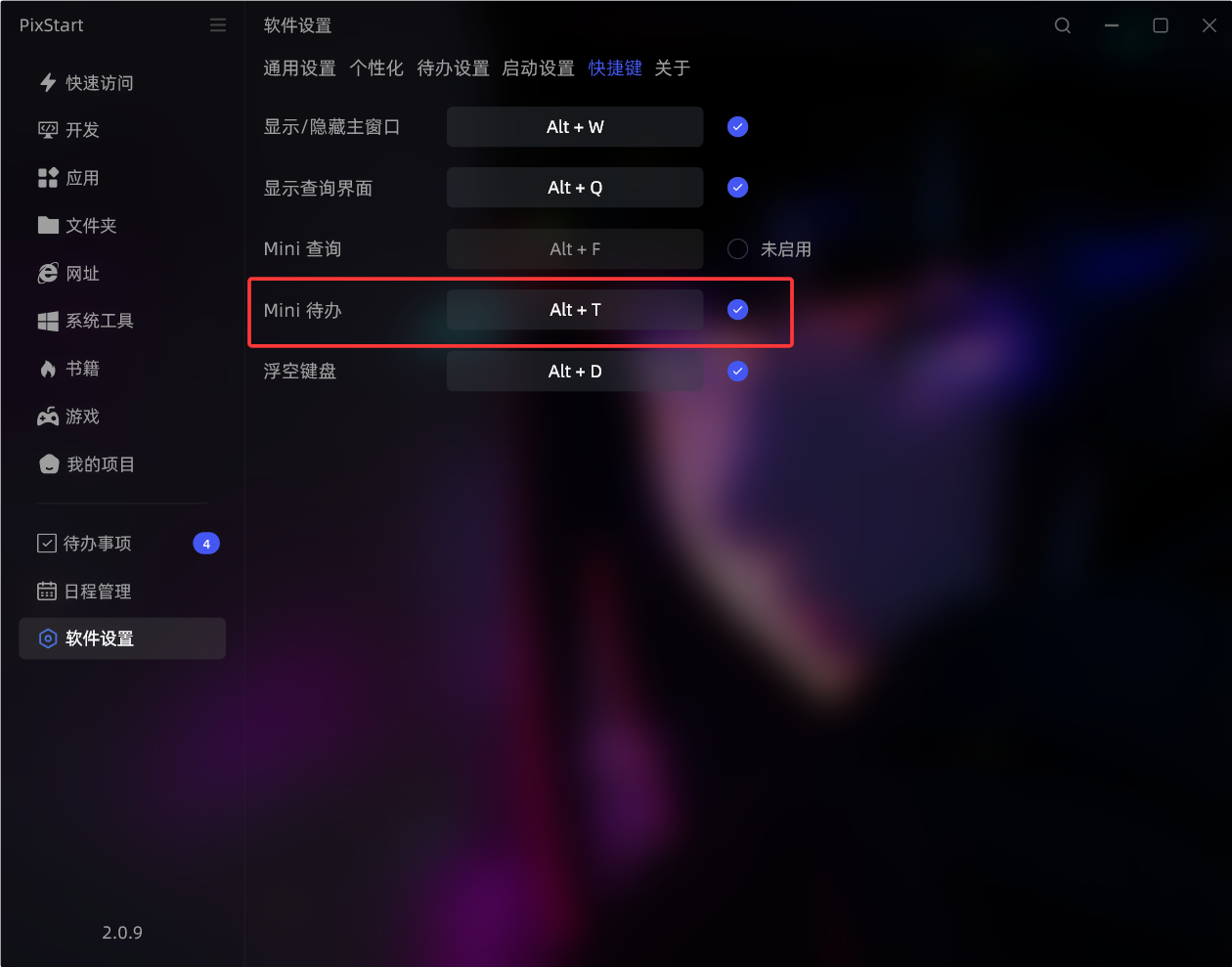
After that, you can quickly create to-do items using the shortcut key. Enter content and press Enter to save; press Ctrl + Enter to save and also add it to the desktop widget for display.
