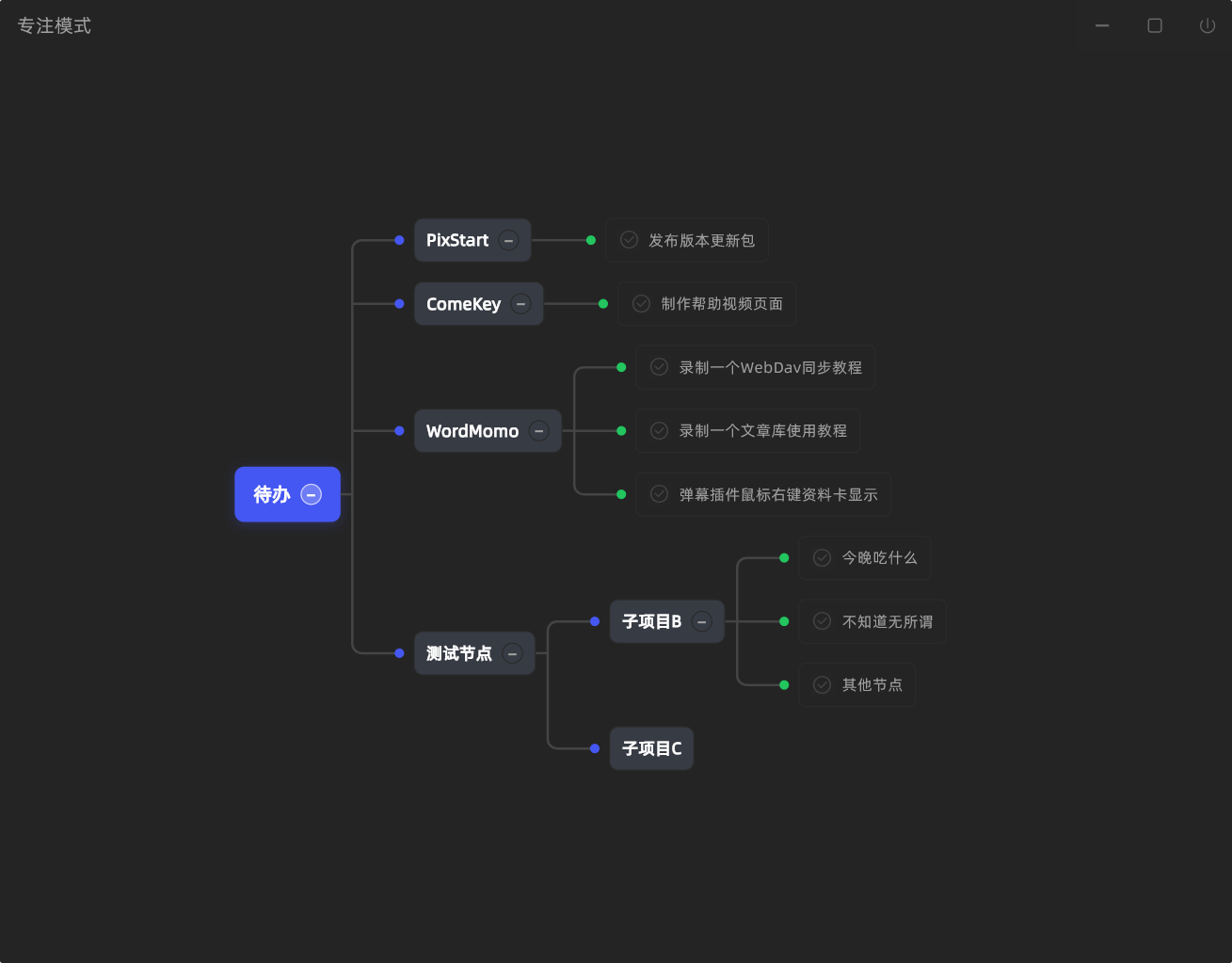
Mind Map Focus Mode
Although the to-do feature was added a long time ago, using it felt too slow. So in version 2.1.0 a Focus Mode was added, which displays to-do items in the form of a mind map. You can add to-do items directly in the mind map, and you can also add sub-items of to-do items directly in the mind map. A shortcut key Alt+U was also added to enter Focus Mode with one click — no matter where the window was before, one click shows and enters it.
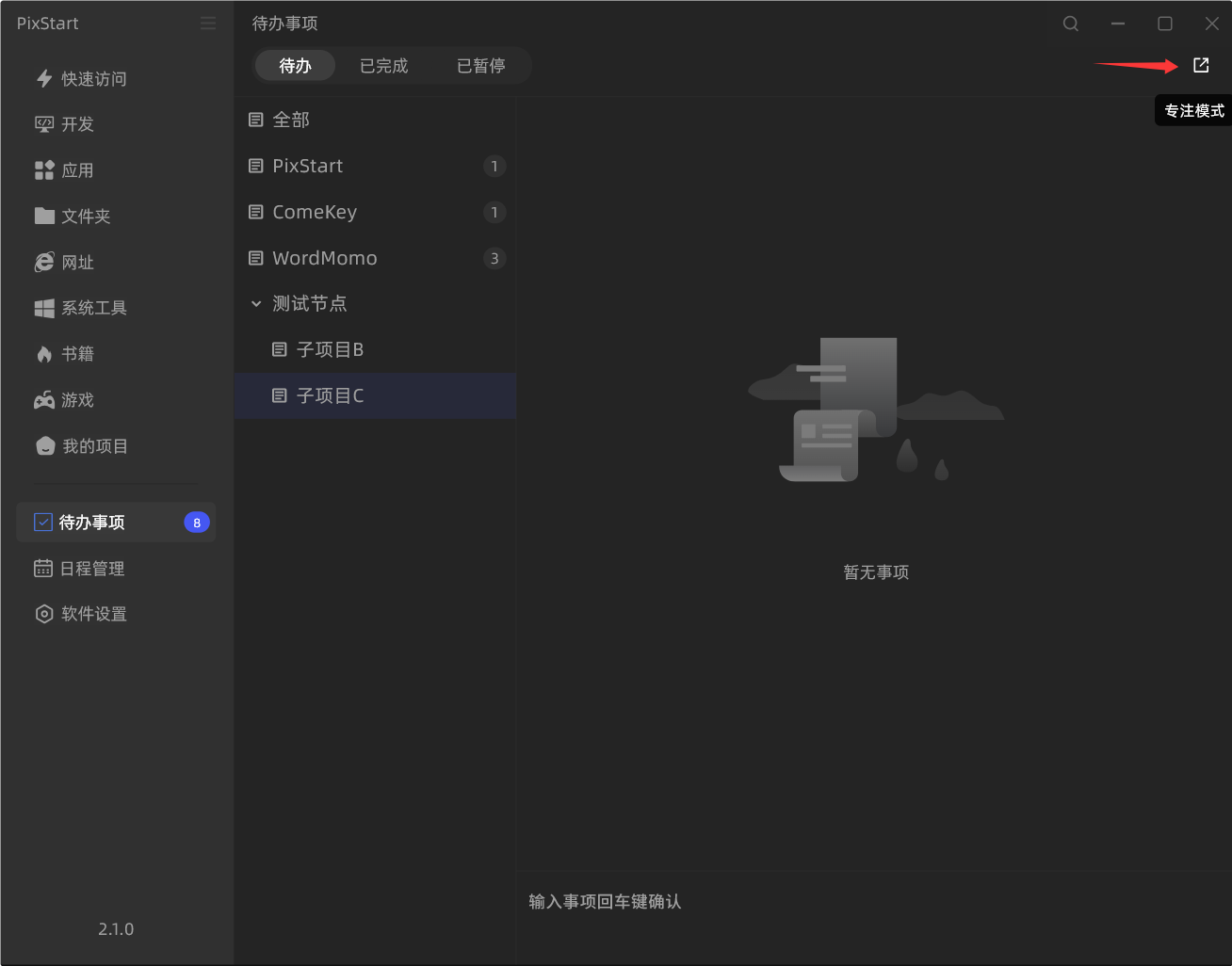
You can enable the global shortcut key in Software Settings -> Shortcut Keys to enter Focus Mode with one click. Select a node and press Enter to create a new item.